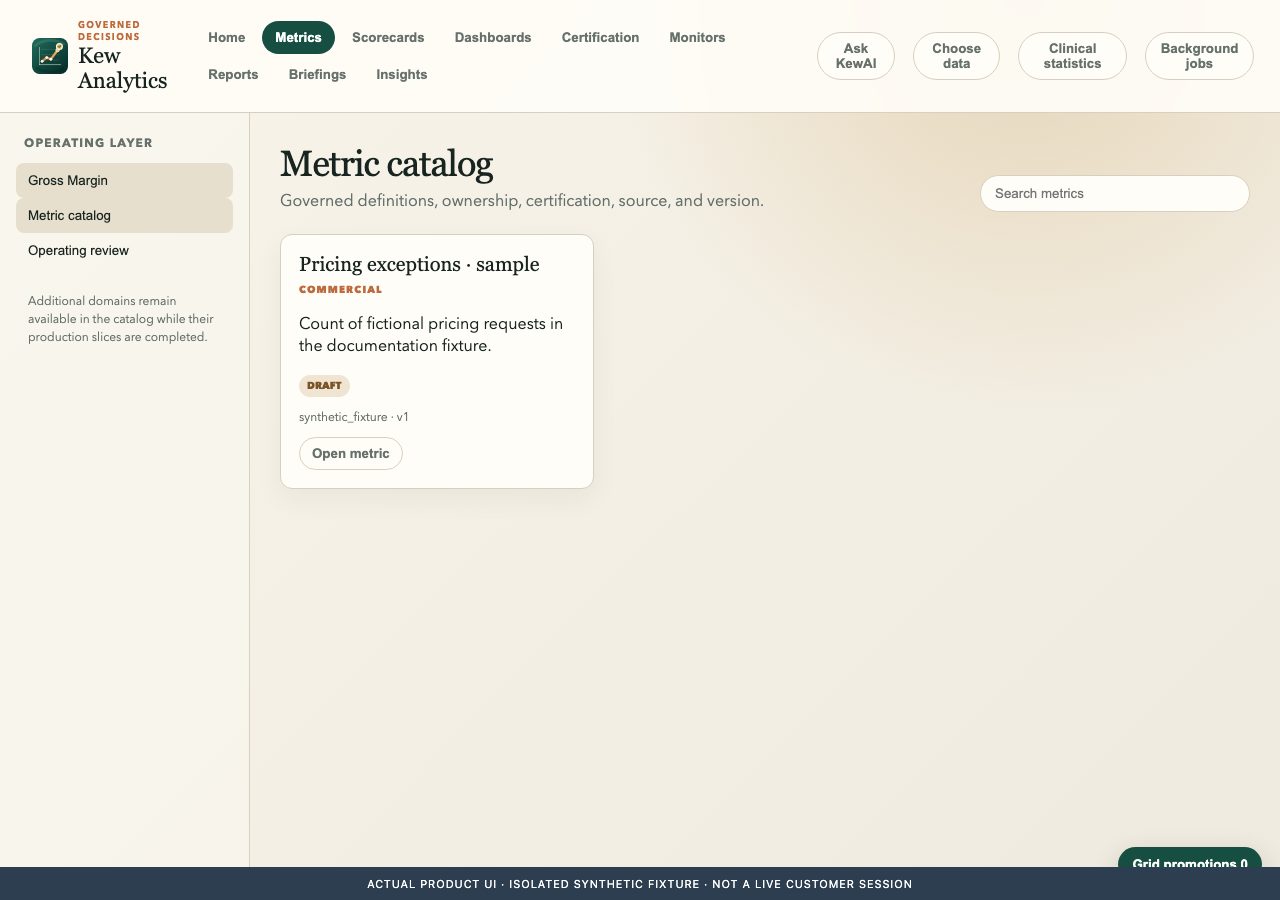
Native product interface · Synthetic fixture · Visual reference, not a hosted feature guarantee.
From question to useful work
01
Choose a permitted source and snapshot
02
Define a measure and time grain
03
Explore a chart or dashboard
04
Recheck permissions when sharing
Built around the task
Source-governed reads and stored-snapshot reductions
Define what a measure means before interpreting the chart. Keep filters, snapshot freshness and the viewer’s permissions visible.
Measure definitions and freshness
Define a measure and time grain
Viewer-aware embedding is being qualified
Explore a chart or dashboard
KewAI with inspectable context
Illustrative conversation · No model call
You: What does this exception-rate measure include?
KewAI example: Check the selected source, its version and your permitted fields first. Define a measure and time grain. Keep a measured fact separate from a proposed next step.
Context
Selected record and source version
Authority
Current source permissions
Action
Preview and review before a consequential effect
Connected work with clear ownership
Discovering a source does not grant access. The source application authorizes its records and applies its own changes; a consuming app receives only permitted context.